
Sorted App
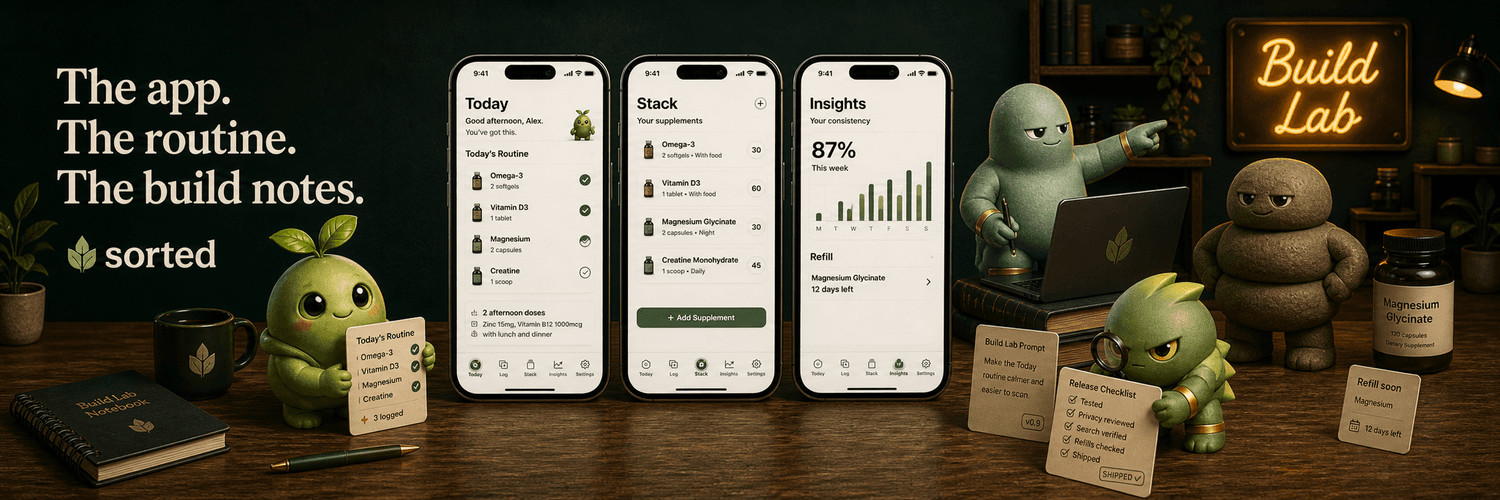
Separate builder lane
See the prompts and proof behind a shipped app.
Sorted Build Lab is for non-developers building with AI. It shows the actual workflows, prompts, workbook notes, product decisions, and proof checks used while making Sorted.
Sorted Build Lab
For AI app builders
Routes, copy-ready prompts, workbooks, decisions, and proof.What you use it for
When the next AI ask is fuzzy, Build Lab gives you one route.
The value is not “read how Sorted was made.” The value is: when you are building your own app and you do not know the next prompt, test, decision, or handoff, Build Lab gives you a concrete example from Sorted and turns it into something you can reuse.
Actual app screens
This is what Build Lab looks like in practice.
These are current in-app screens: the starting point, a route, a prompt pattern, and a workbook. The page should show the product, not just describe the idea.
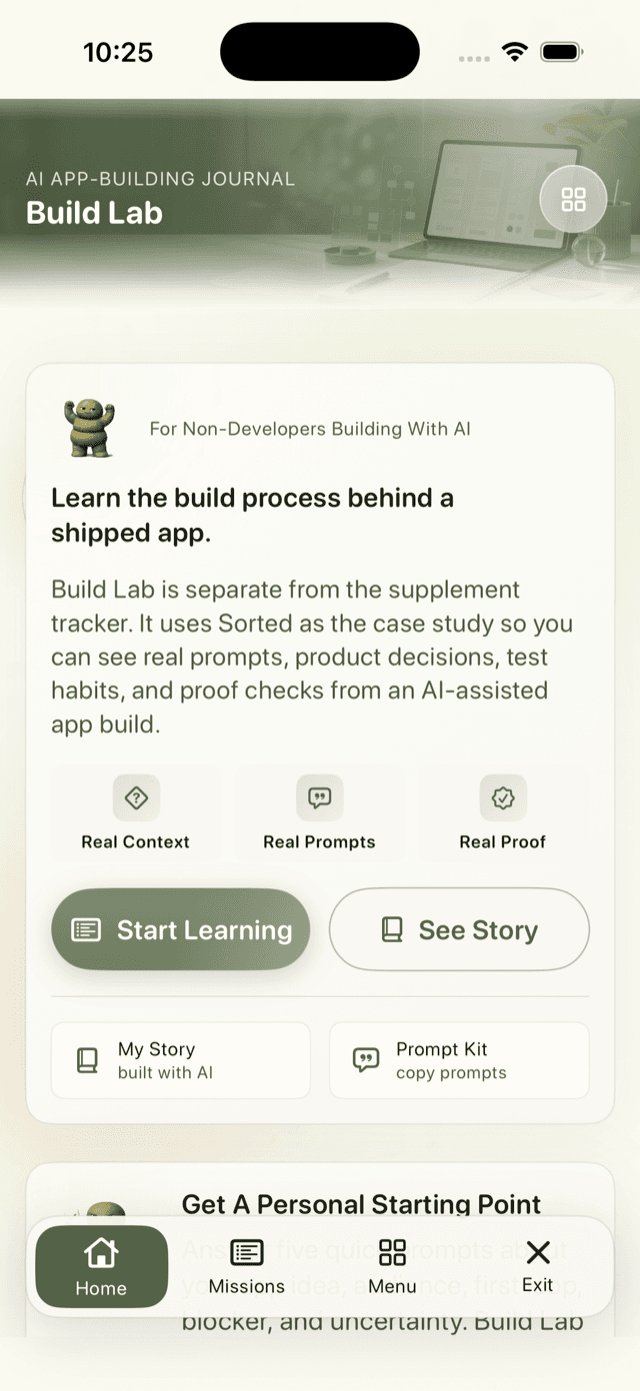
Start here
The app explains the lane first.
Build Lab starts by saying what it is: a separate AI app-building journal based on a shipped app, not another supplement feature.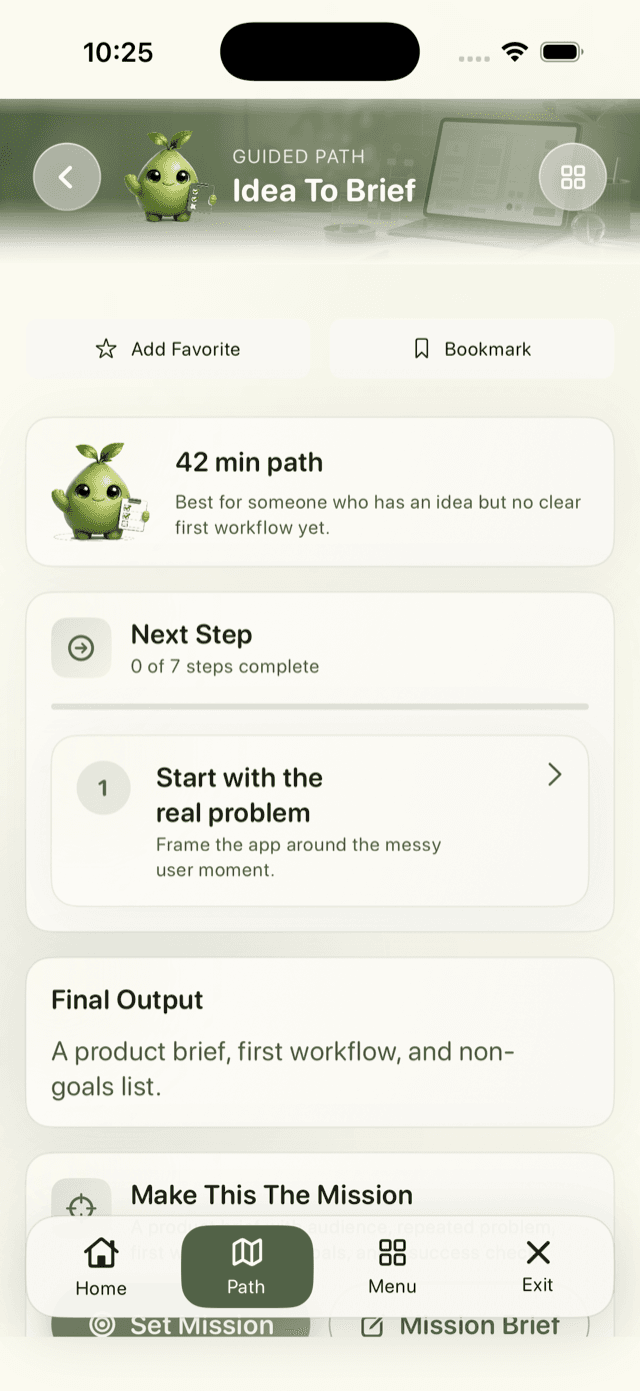
Route
Follow one route at a time.
Paths keep builders from browsing forever. Each route has steps, prompts, workbook outputs, and a proof target.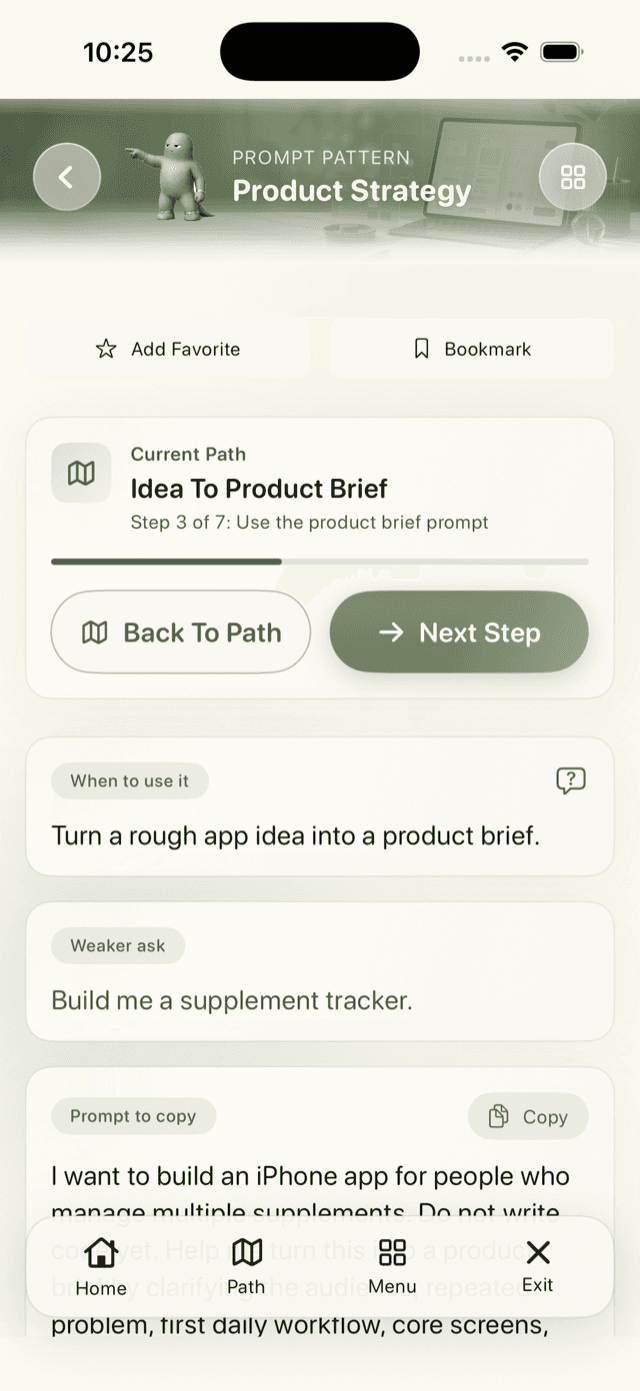
Prompt
Copy a stronger ask.
The app shows the weak version, the stronger version, and why the prompt works so the builder learns the pattern.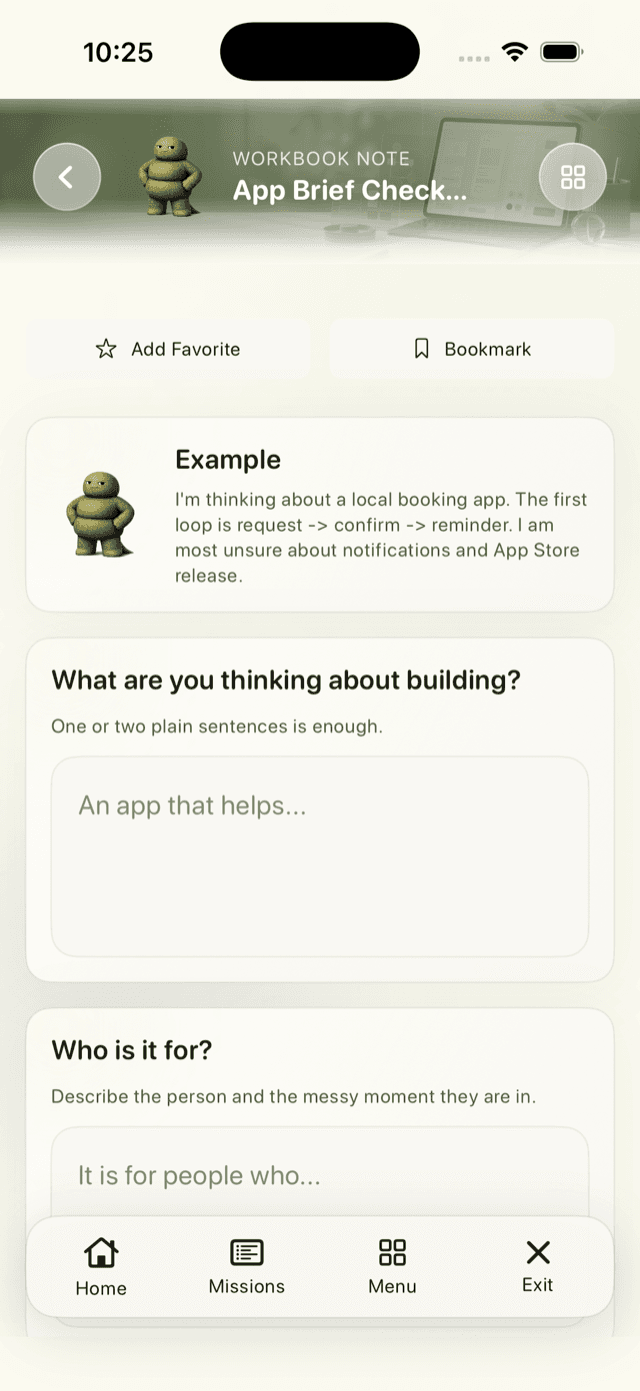
Workbook
Capture the proof before moving on.
Workbooks turn a good AI answer into a reusable note, brief, decision, or check instead of another lost chat.Workflow examples
Three real situations the app helps you work through.
Build Lab is strongest when the visitor can imagine using it in the middle of a messy build, not when it sounds like a general AI course.
Workflow 01
Turn a rough idea into a product brief.
- Situation
- You have an app idea, but the first useful workflow is still fuzzy.
- Route
- Idea To Product Brief
- Prompt
- Ask AI to clarify the audience, repeated problem, first workflow, core screens, and non-goals before code starts.
- Proof
- Leave with a product brief, first-loop sentence, and a list of what not to build yet.
Workflow 02
Plan reminders before they become bugs.
- Situation
- Your app needs schedules, notifications, deadlines, or daily history.
- Route
- Time And Notification Plan
- Prompt
- Design permission timing, denied-state fallback, scheduling, cancellation, missed items, day boundaries, and repeated-day checks.
- Proof
- Leave with the rules and test plan that make reminders trustworthy beyond one demo.
Workflow 03
Find the repeat-use reason.
- Situation
- The app works once, but you need a reason someone comes back tomorrow.
- Route
- Retention Loop Audit
- Prompt
- Audit first-session value, second-session reason, tenth-use calm, re-entry moments, progress signals, and when the app should stay quiet.
- Proof
- Leave with the one change most likely to improve repeat use without making the app annoying.
Prompt examples
Build Lab shows the weaker ask and the stronger ask.
A regular builder does not need prompt theory first. They need to recognize their messy moment, copy a stronger ask, and understand why that ask produces better work.
Before coding
Weak askBuild this feature.
Prompt to copyDo not build yet. Help me brainstorm and work through a strategy first. Decompose the idea into user need, audience, value, risks, possible product shapes, what could be embedded in the app, what should stay external, and what decisions we should make before code.
Before reminders
Weak askAdd notifications.
Prompt to copyDesign the time and notification behavior for this app. Include permission timing, denied-permission fallback, local notification scheduling and cancellation, day boundaries, time zones, missed or duplicate entries, edits, repeat use, history after relaunch, and the checks needed to trust the behavior over multiple days.
Before calling it premium
Weak askDoes this feel premium?
Prompt to copyEvaluate this app as a paid product, not an MVP. Score first-session clarity, tenth-session calm, core usefulness, willingness to pay, trust, polish, help reachability, export and support paths, data safety, failure states, App Store story, and release readiness.
What you leave with
Not inspiration. A next step you can use.
Each Build Lab route is meant to end with an artifact: a prompt, brief, test plan, decision receipt, or proof note. That is how the app turns “AI helped me” into a build habit someone can repeat.
Product briefPrompt to copyWorkbook noteDecision receiptTest checklistRelease proof
01Pick the situation
Idea, prompt, bug, reminder, release, retention, or proof.
02Use the stronger ask
Copy a prompt that names constraints, edge cases, and checks.
03Save the receipt
Keep the decision, test, or workbook note before the next branch.